
Locating your API key
You must be an owner or have global admin rights to view this.
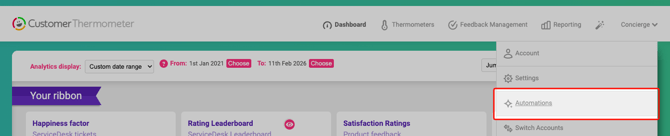
To get started, navigate to the top-right drop-down menu in your Customer Thermometer account and select “Automations” to access your API key.
On that page, there is a API Information section.
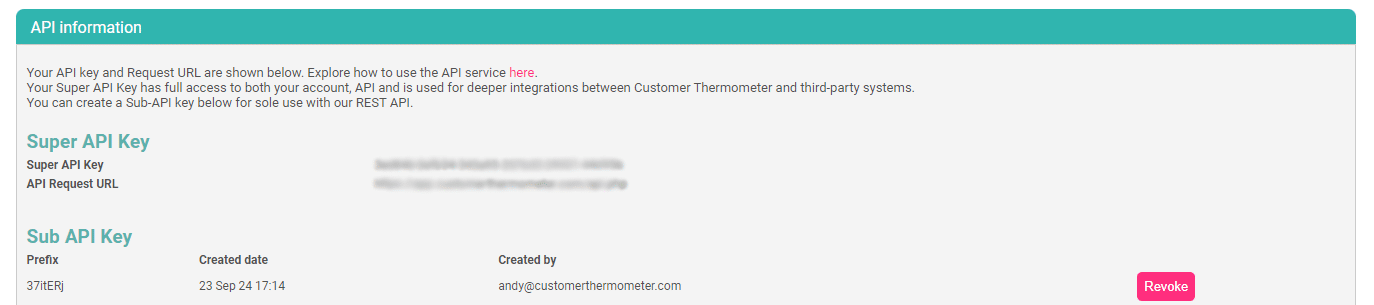
There are two sets of API keys available. Your 'Super API key' which allows you full access to the account, API and is used for some third-party integrations. Or an sub-API key, which is only available for communicating with our API.
Treat your key as confidential; if you suspect exposure, contact us for immediate replacement.
Documentation
Full documentation showing each request and the example syntax is available at https://www.customerthermometer.com/integration/api-documentation/.
